Notice with Desk Mode
With your iPhone propped up and the front camera active, Desk Mode can signal when your hand stays near your mouth.
 NailSafe
Small gestures. New habits.
nail biting tracker and habit support
For iPhone · In-app purchases
NailSafe
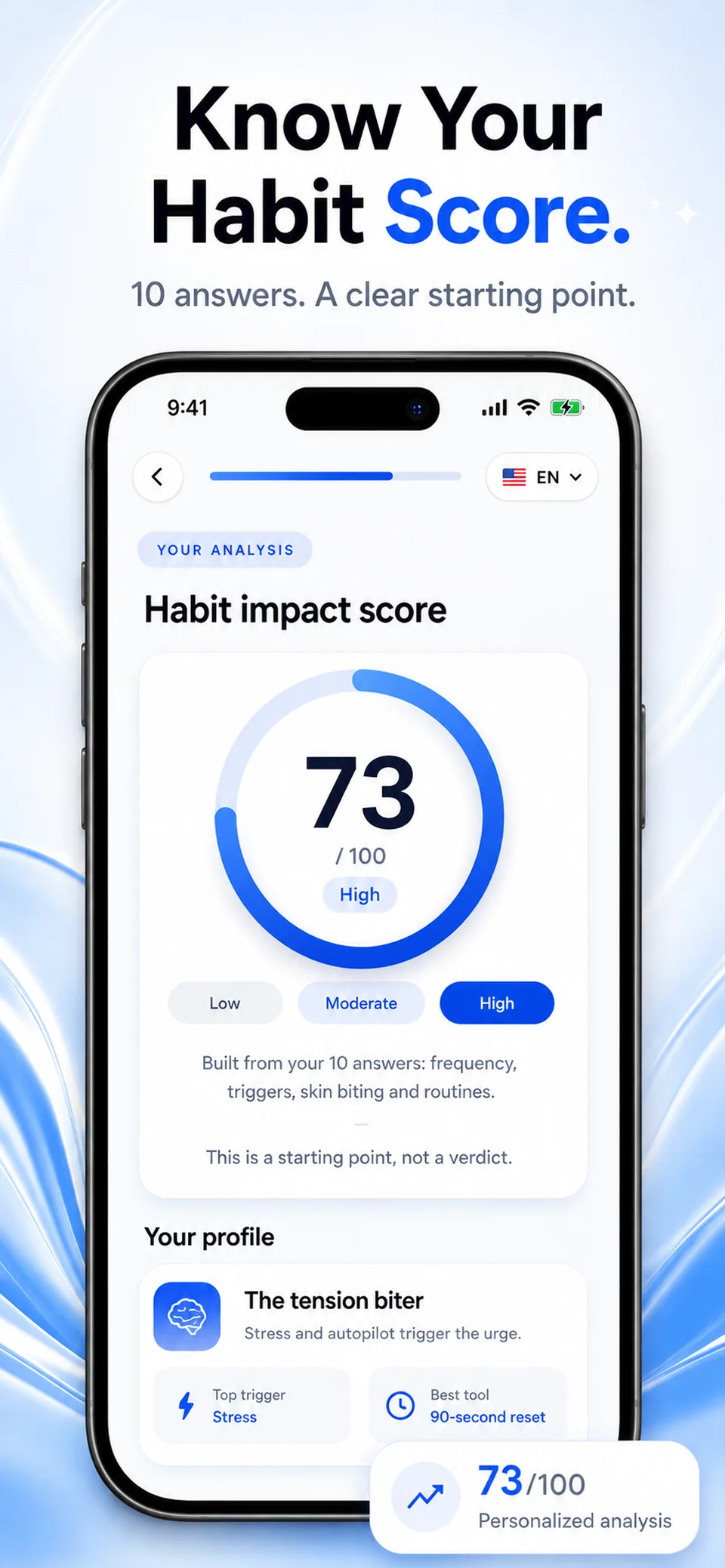
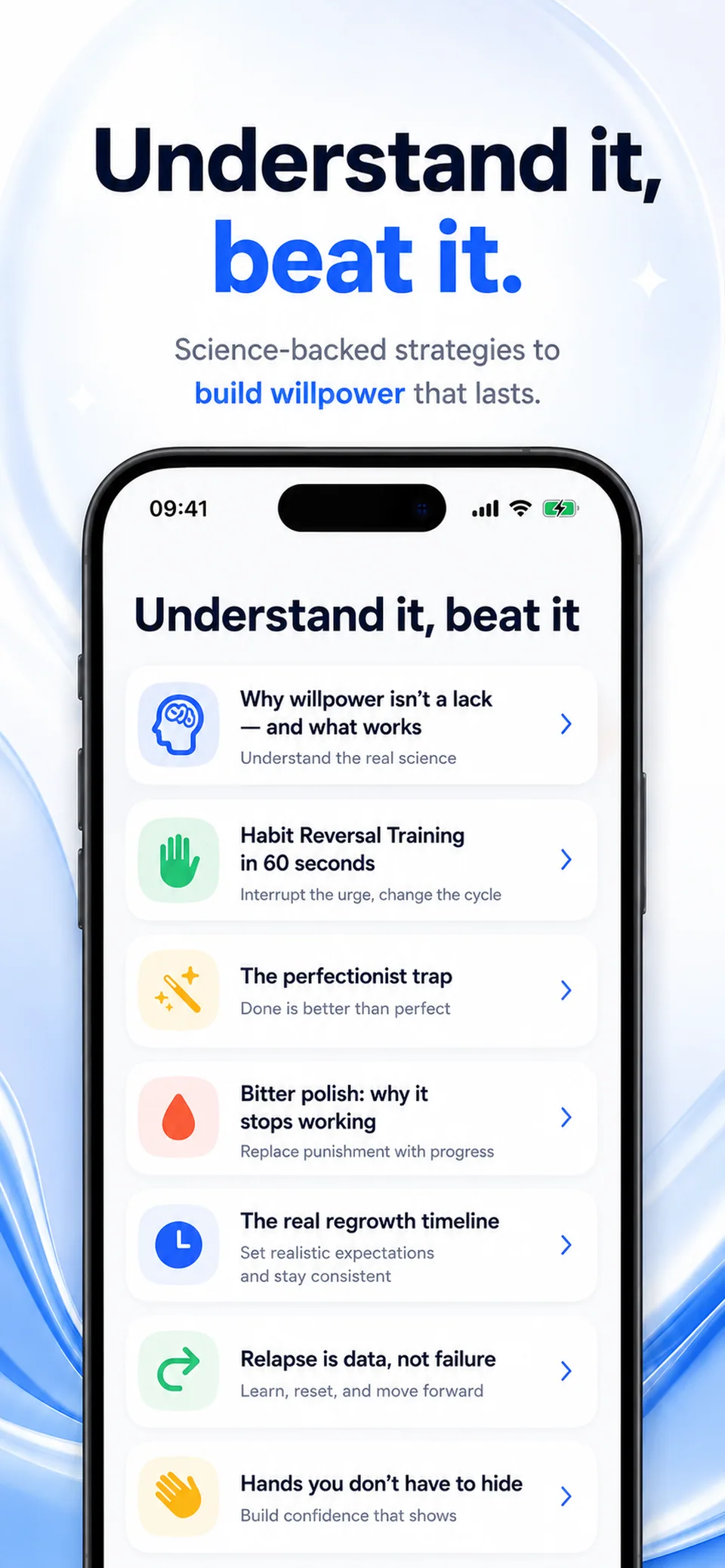
Illustrative screens. Features and appearance may vary by version.
Preview unavailable. Please try again.
What you can do
Notice the gesture. Give your hands another option. NailSafe brings desk reminders, craving support and a photo journal into your daily routine.
With your iPhone propped up and the front camera active, Desk Mode can signal when your hand stays near your mouth.
Take regular photos with consistent framing. Compare your own pictures over time without a promised recovery deadline.
Open a short SOS routine and record the moments that trigger the habit. Return to your routine after a slip.
NailSafe is a habit-support tool, not a diagnosis or treatment. Seek professional help for injury, infection or significant distress.
Guides
Build a record of situations, responses and photos that remains useful even after a difficult day.
Make your personal photo journal easier to compare with consistent framing, light and dates.
NailSafe
NailSafe combines Desk Mode reminders, short SOS routines and a photo journal. These tools help you notice situations and follow your own habits without a promised recovery deadline.
No. Desk Mode needs your iPhone propped up with its front camera active. It can signal when your hand stays near your mouth; it is not a background pocket sensor.
The App Store and the app show the current price and available purchases in your local currency before confirmation. Trial availability depends on the offer and your eligibility. A free download does not mean every feature is free.
These are translated website pages. Check the Languages section of the App Store listing for the app itself. Some content may use a different language.
On iPhone, open Settings, tap your name, then Subscriptions. Select the app to review or cancel an active subscription. Deleting the app does not cancel a subscription.
Support
Include the app name, your iPhone model, iOS version and a description of the issue. Never include passwords or payment details.
Small gestures. New habits.
For iPhone · In-app purchases