See your pitch
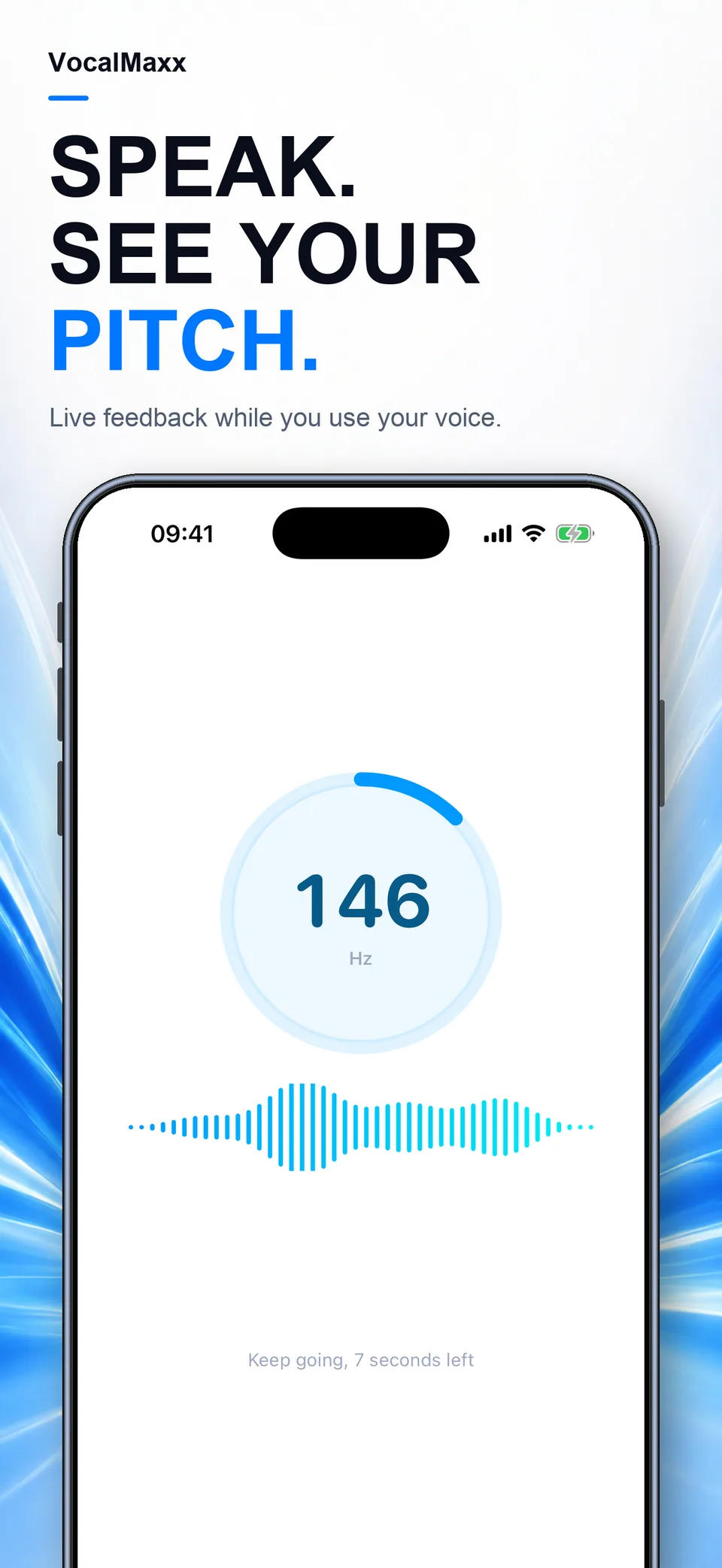
Record a short voice sample to explore pitch in Hz, stability and range. Recording conditions can change the result.
 VocalMaxx
Get to know your voice
voice pitch analysis and guided vocal practice
Coming to the App Store
A closer lookRelease pending · Availability may vary by country
VocalMaxx
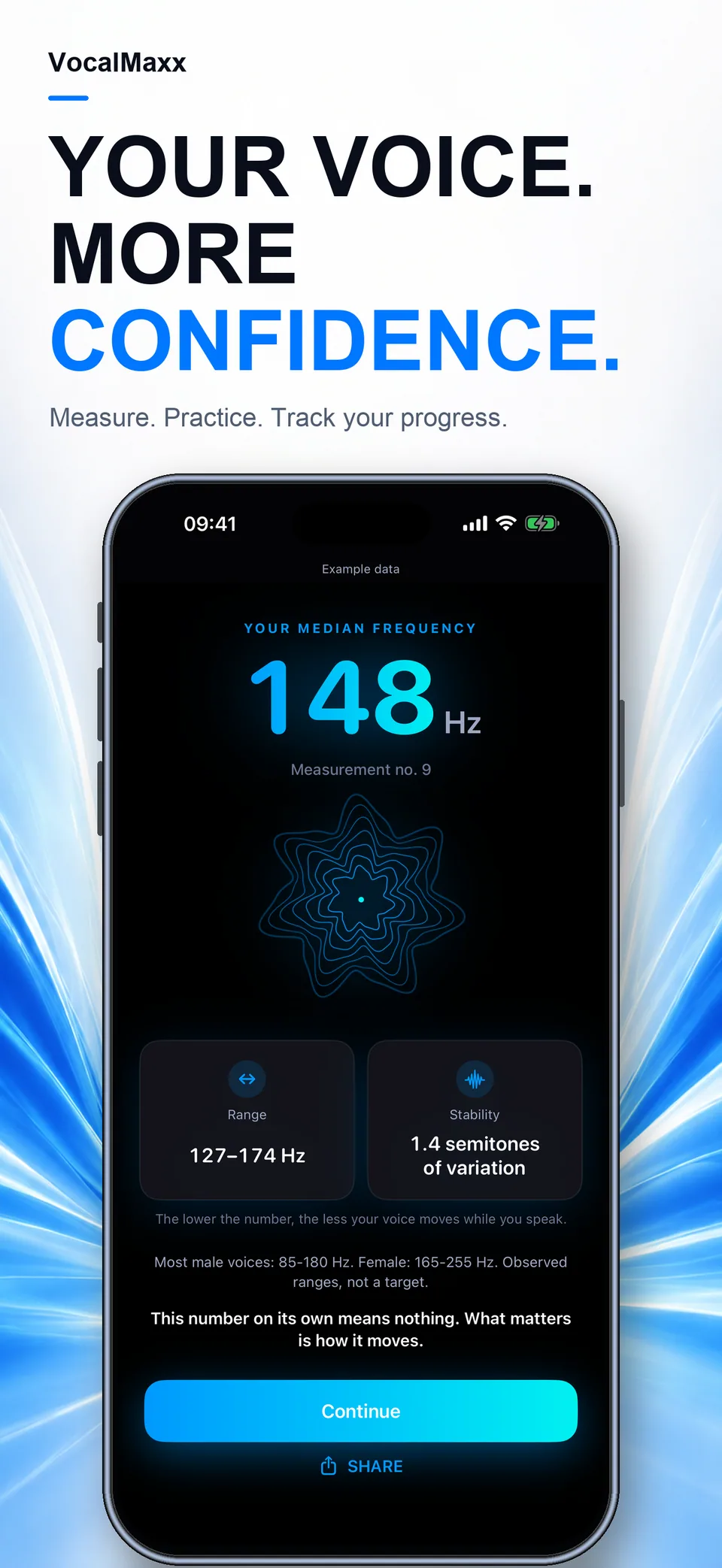
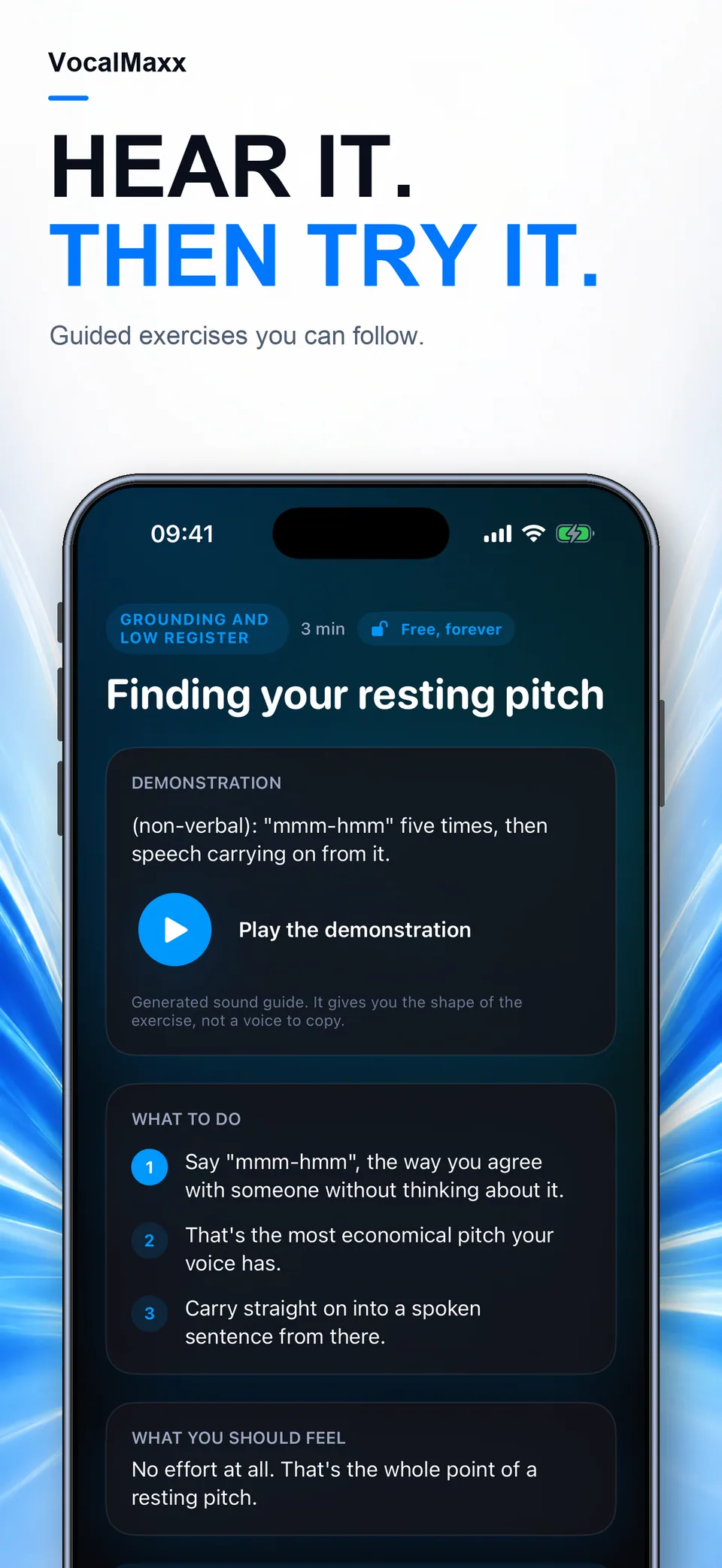
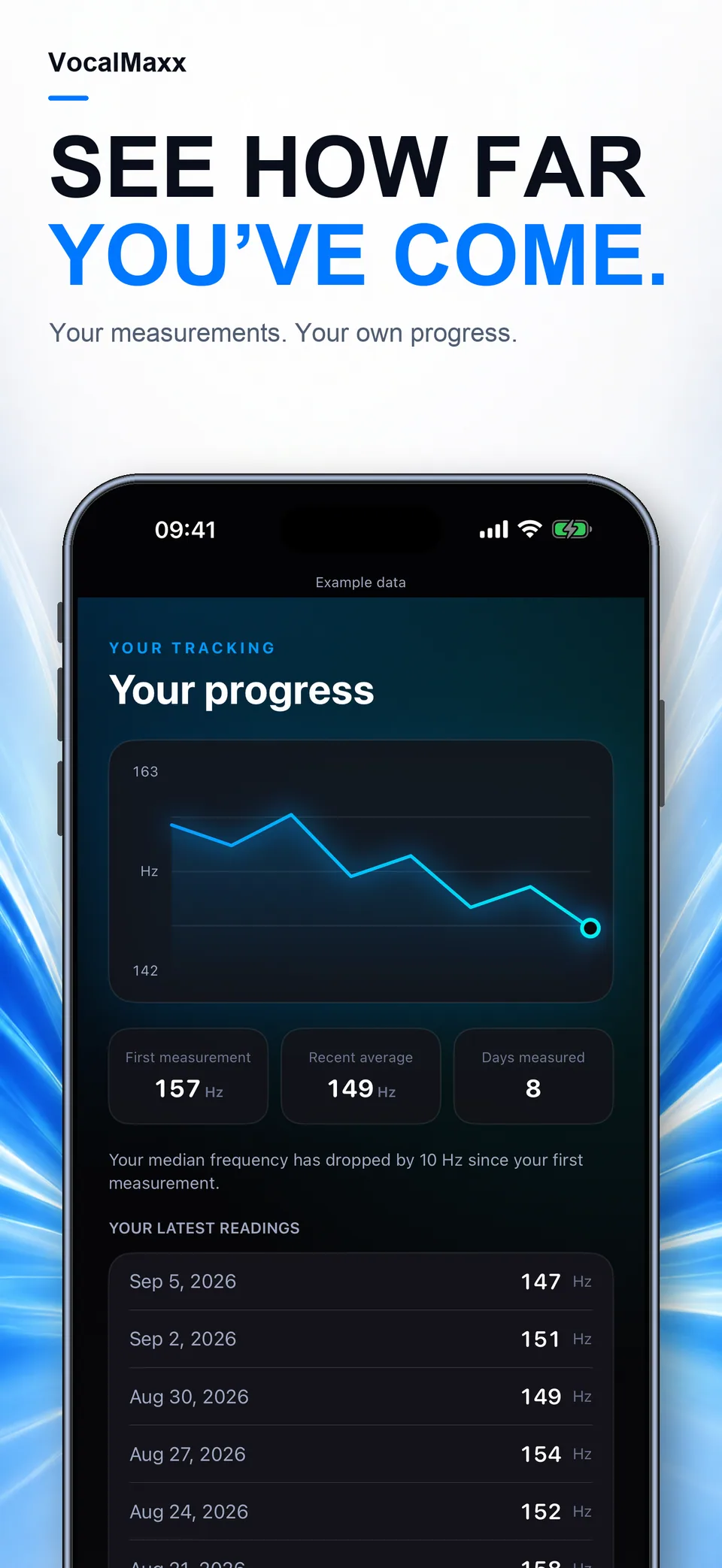
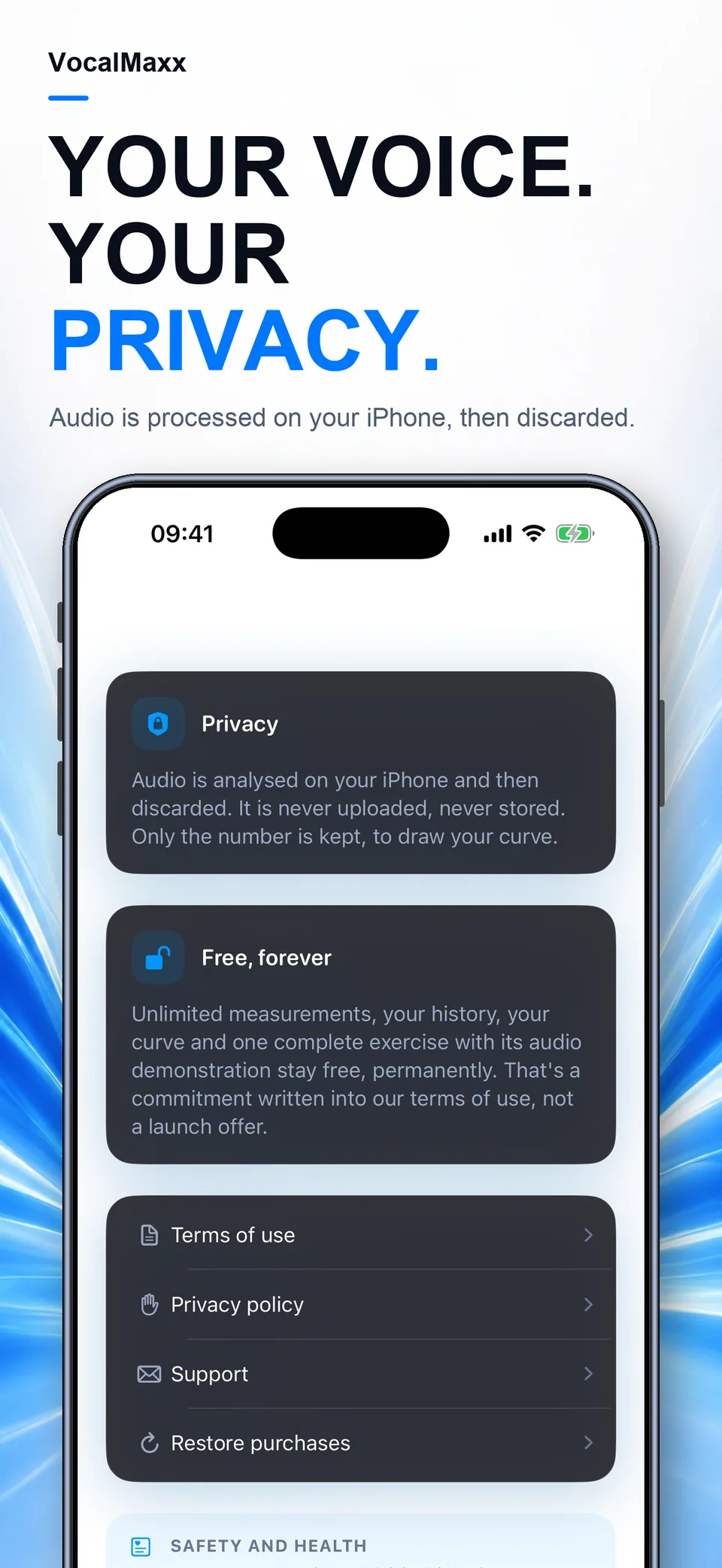
Illustrative screens. Features and appearance may vary by version.
Preview unavailable. Please try again.
What you can do
Hear your voice. Understand your starting point. Explore pitch measurements and guided practice, with your own recordings as the reference.
Record a short voice sample to explore pitch in Hz, stability and range. Recording conditions can change the result.
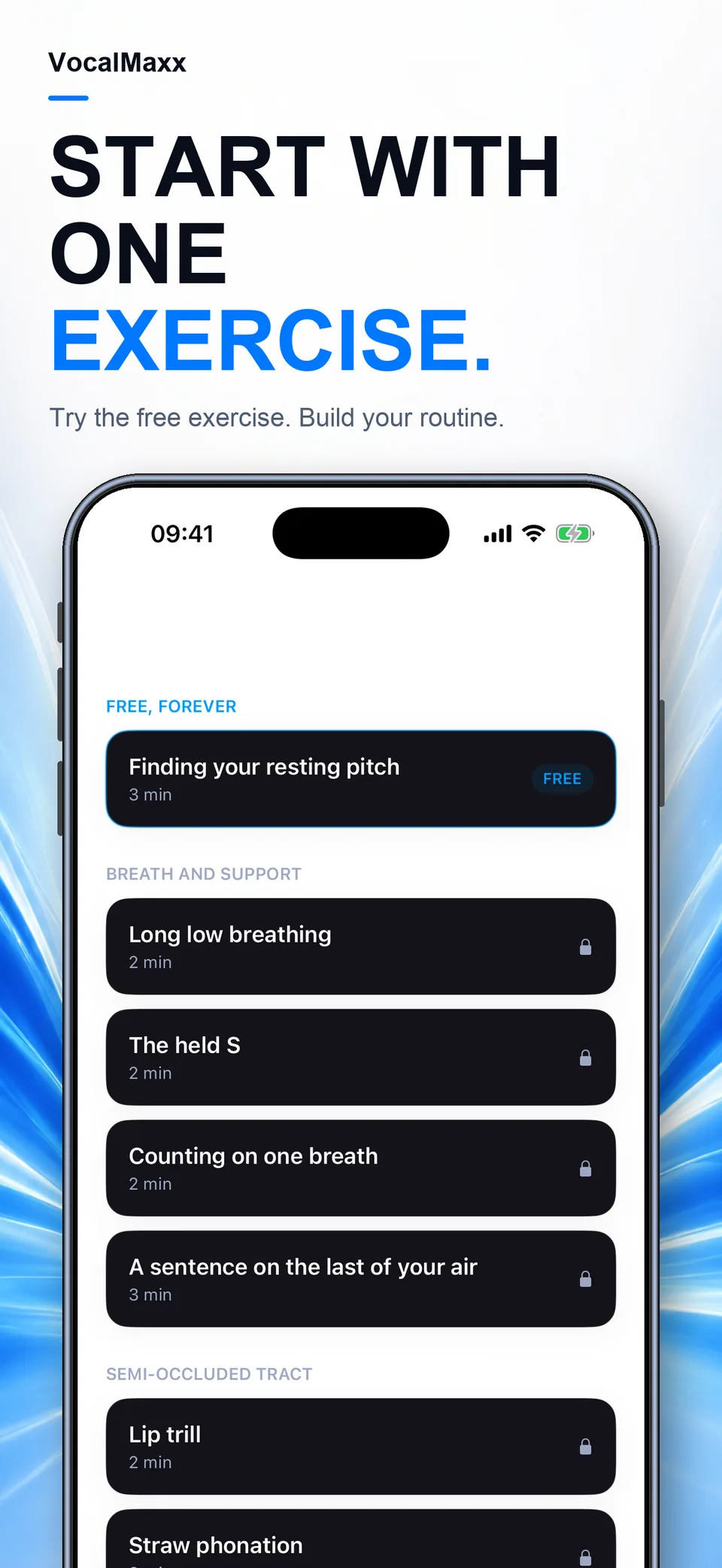
Explore guided drills with audio examples across breath, resonance, articulation and pace.
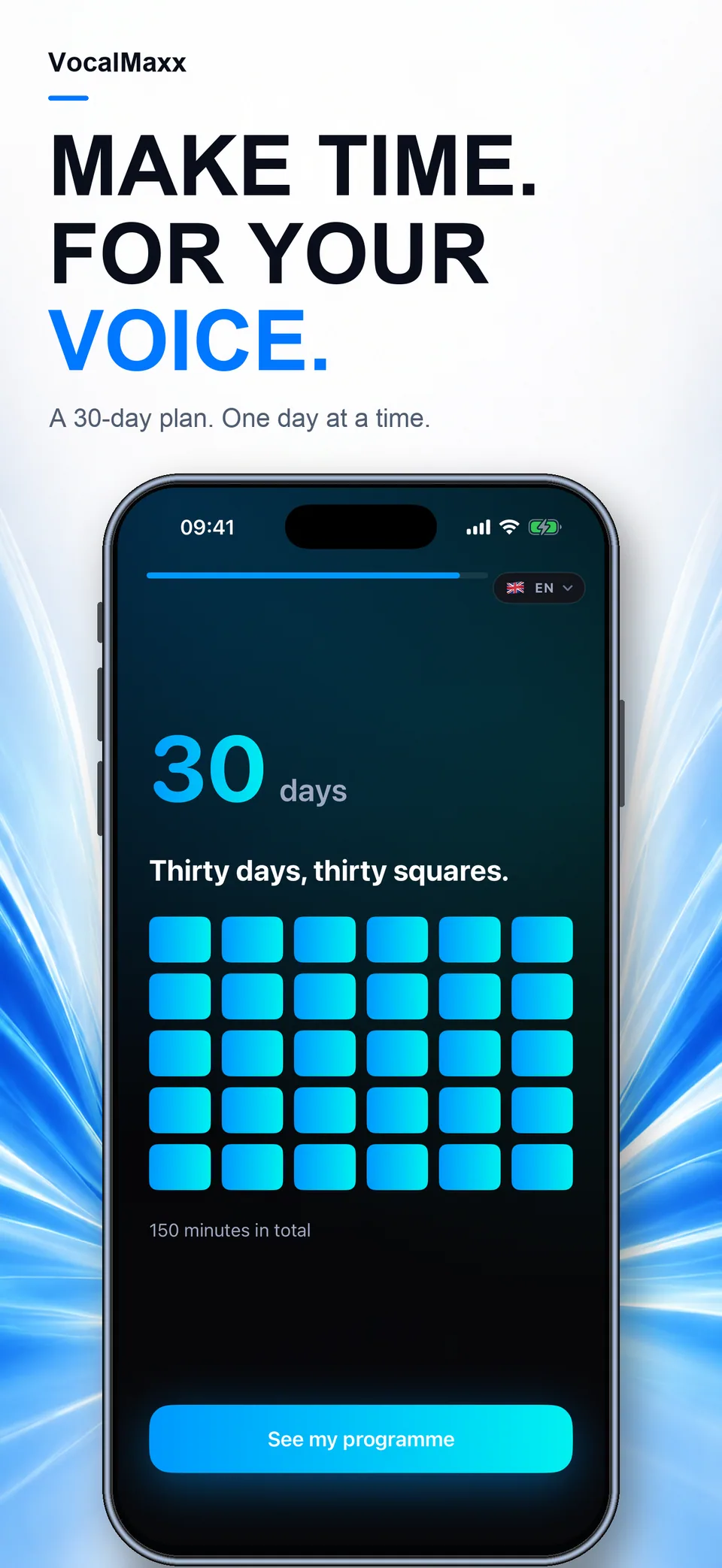
Follow recordings over time under similar conditions. Focus on comfortable practice, without chasing a universal voice score.
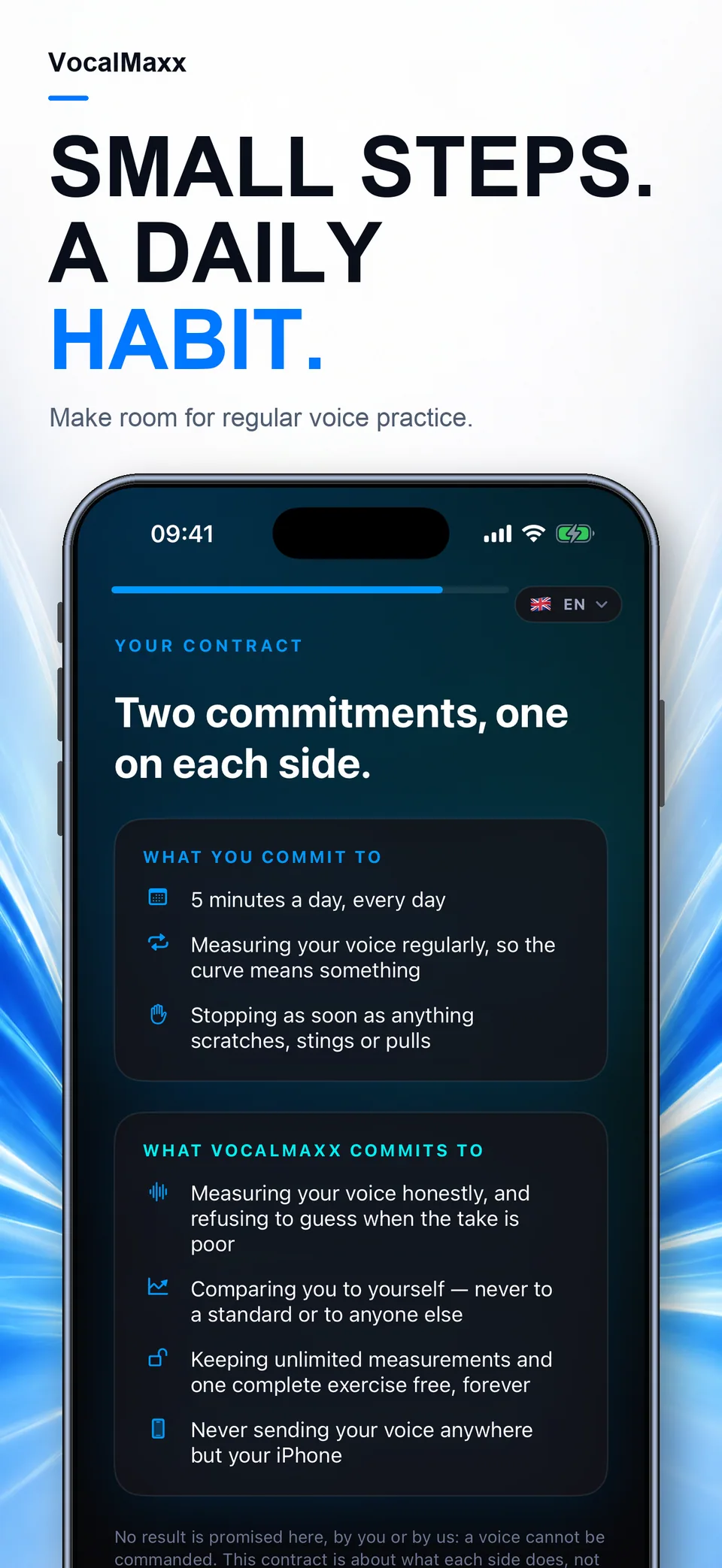
VocalMaxx is not a medical device. Stop practice if it causes pain, irritation or hoarseness, and seek professional advice.
Guides
Make pitch measurements more useful by keeping the recording conditions and speaking task consistent.
Use clear audio examples, comparable recordings and a focus on comfort when organising vocal practice.
VocalMaxx
Hertz describes frequency. A pitch estimate concerns the recorded voice sample, not attractiveness, confidence or a medical diagnosis. Recording conditions affect comparisons.
Yes. Focus on comfortable breath, articulation, resonance and pace. Stop if practice causes pain, irritation or hoarseness and seek professional advice for persistent concerns.
The App Store and the app show the current price and available purchases in your local currency before confirmation. Trial availability depends on the offer and your eligibility. A free download does not mean every feature is free.
These are translated website pages. Check the Languages section of the App Store listing for the app itself. Some content may use a different language.
On iPhone, open Settings, tap your name, then Subscriptions. Select the app to review or cancel an active subscription. Deleting the app does not cancel a subscription.
Support
Include the app name, your iPhone model, iOS version and a description of the issue. Never include passwords or payment details.
Get to know your voice
Coming to the App Store
Release pending · Availability may vary by country