
LarpGPT · Guides
How to structure an AI photo prompt
Give your image generator a clearer brief with a subject, setting, composition and lighting choice.
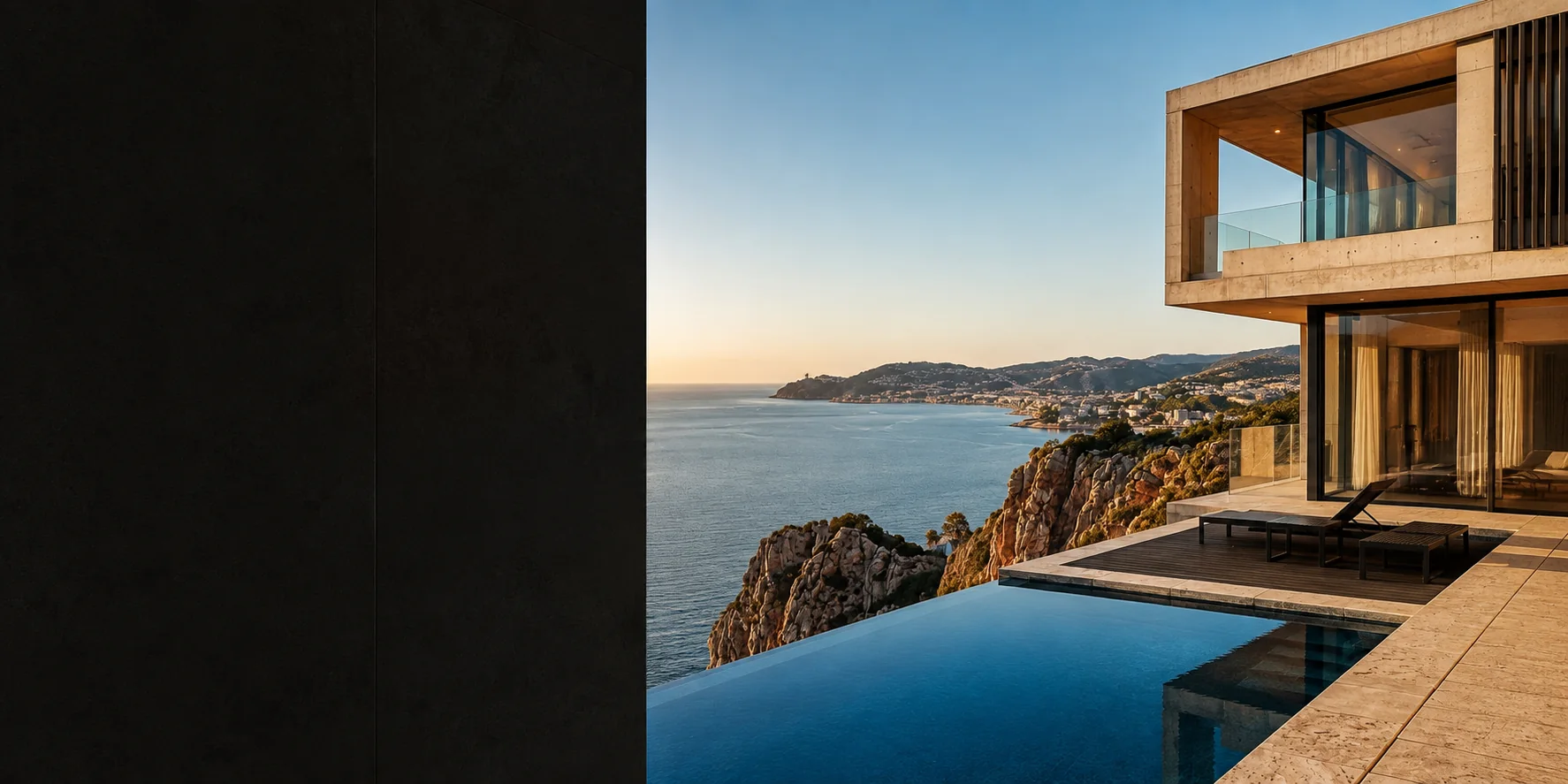
Start with the subject and setting
Say what the image should show and where it takes place. A precise subject and a simple setting create a clearer brief than a long list of unrelated adjectives. Decide which elements are essential before adding stylistic details.
Describe the composition
Choose a viewpoint, framing and orientation. A close portrait, a wide architectural scene and a vertical travel image need different instructions. Camera and lens language can communicate a visual intention, but it does not guarantee physically accurate rendering.
Make lighting a deliberate choice
Describe the light source and its direction. Soft window light creates a different brief from direct midday sun. Keep the lighting consistent with the scene instead of combining incompatible instructions.
Iterate one decision at a time
Generate an initial result, identify the most important mismatch and adjust that part of the prompt. LarpGPT provides text starting points that you can copy and adapt. It does not generate the image or include a subscription to a separate image service.
One complete attempt, then one variation
Original example: vertical portrait of an adult beside a window, shoulder crop, soft natural sidelight, plain grey wall, calm expression, no text or logo. Review the resulting image by checking the person, framing and light first.
For the second attempt, keep the wording and replace only the grey wall with a blue wall. This makes the intended change easier to assess than changing the subject, lens, lighting and setting together. The generator can still vary between attempts; a prompt is not a deterministic control.