Two streams, one challenge
Watch a position on the grid and listen to a letter. Compare each with what appeared N turns earlier.
 Dual N-Back
Memory & attention
working memory training for iPhone
For iPhone · In-app purchases
Dual N-Back
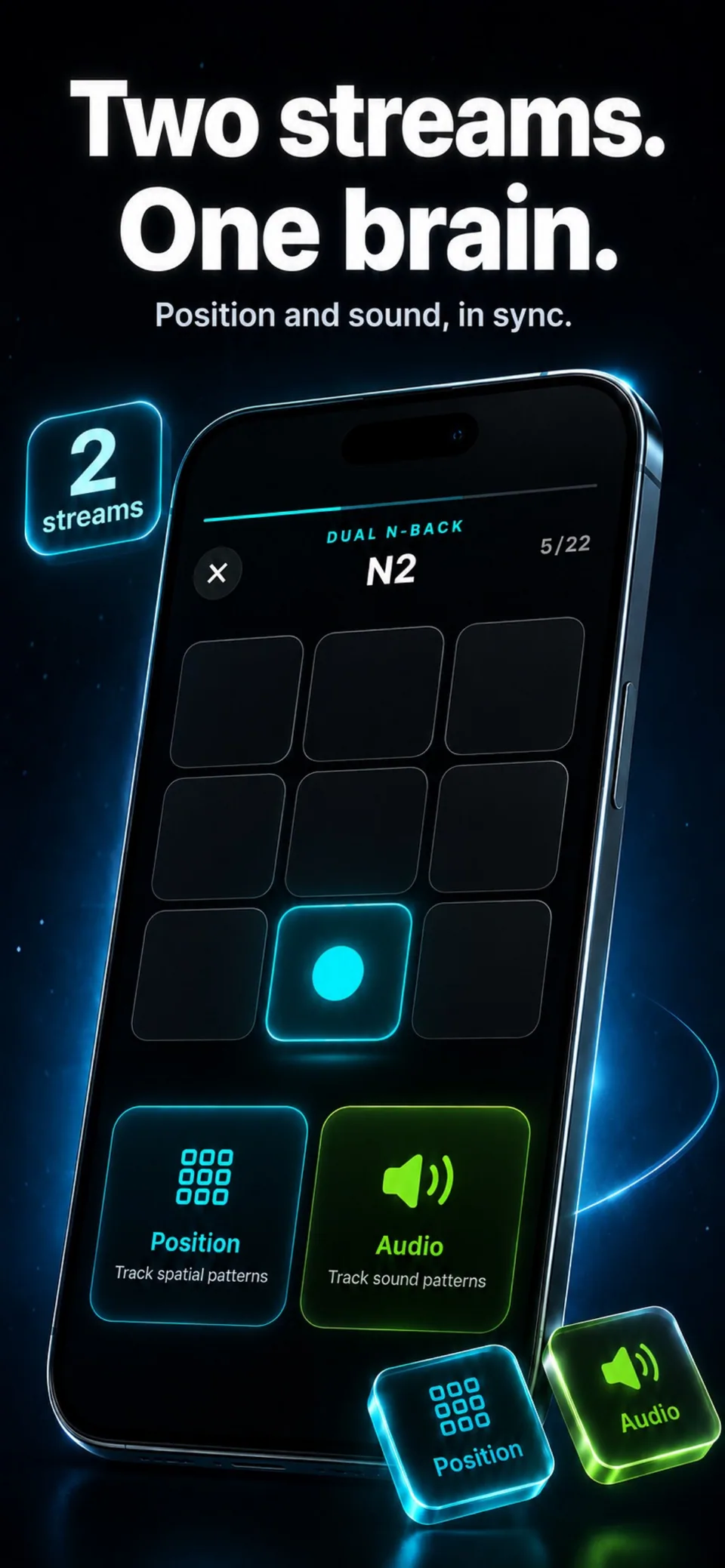
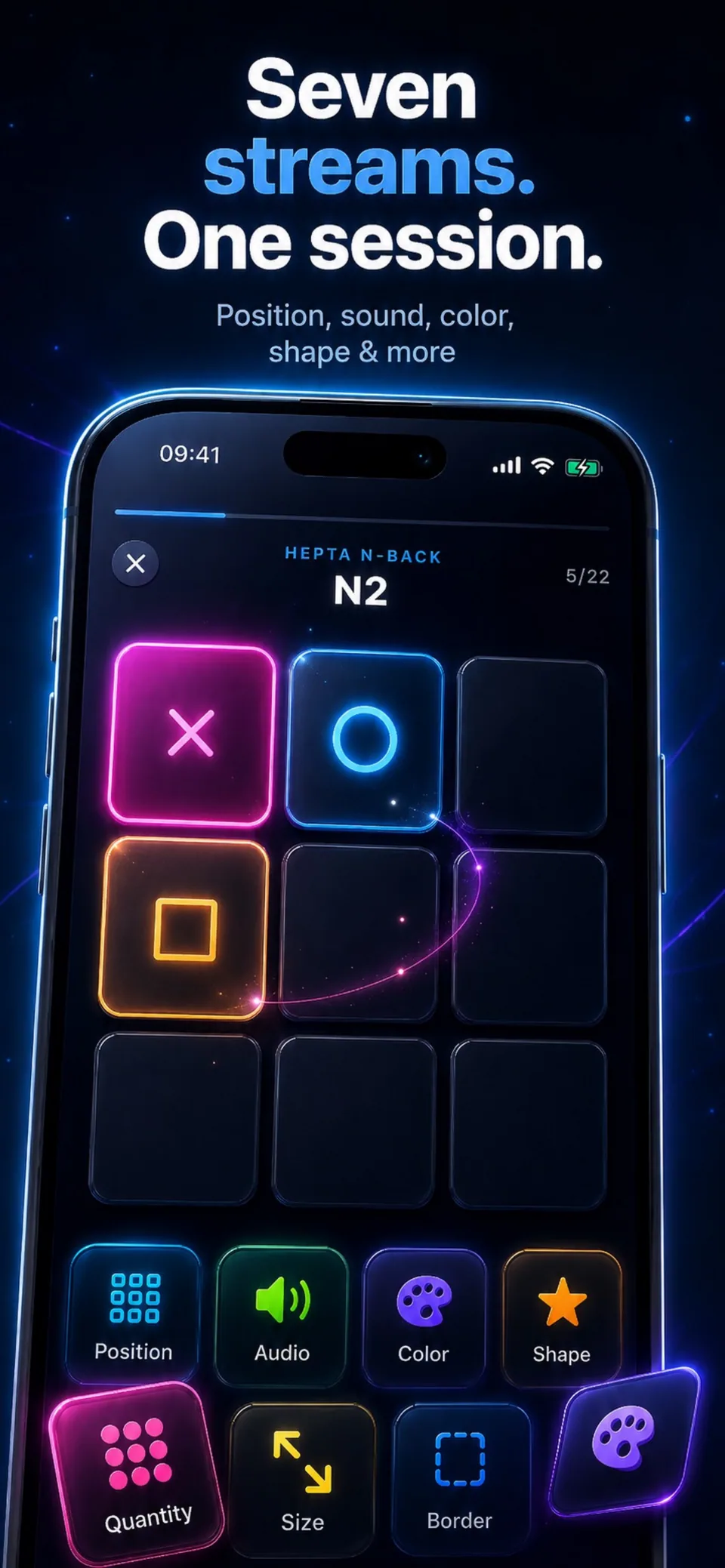
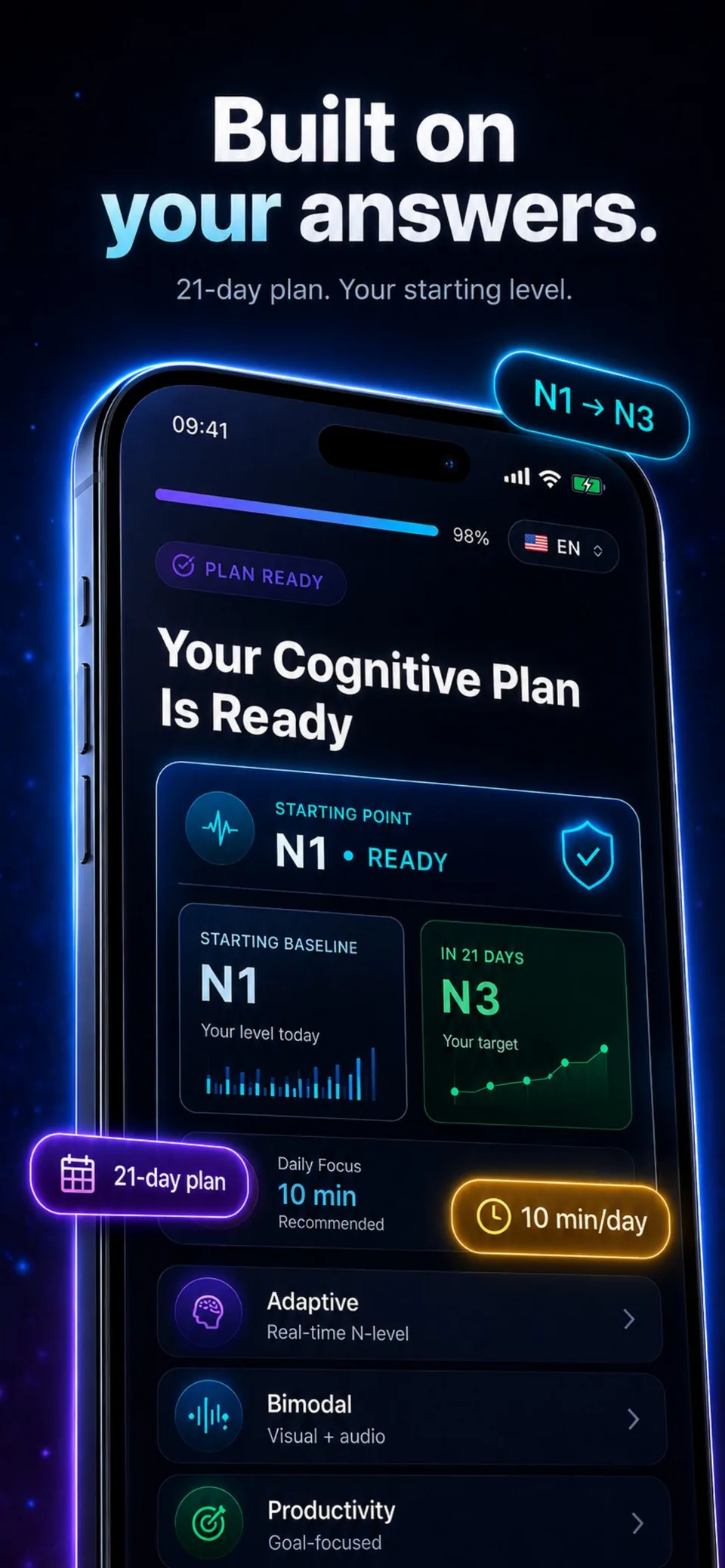
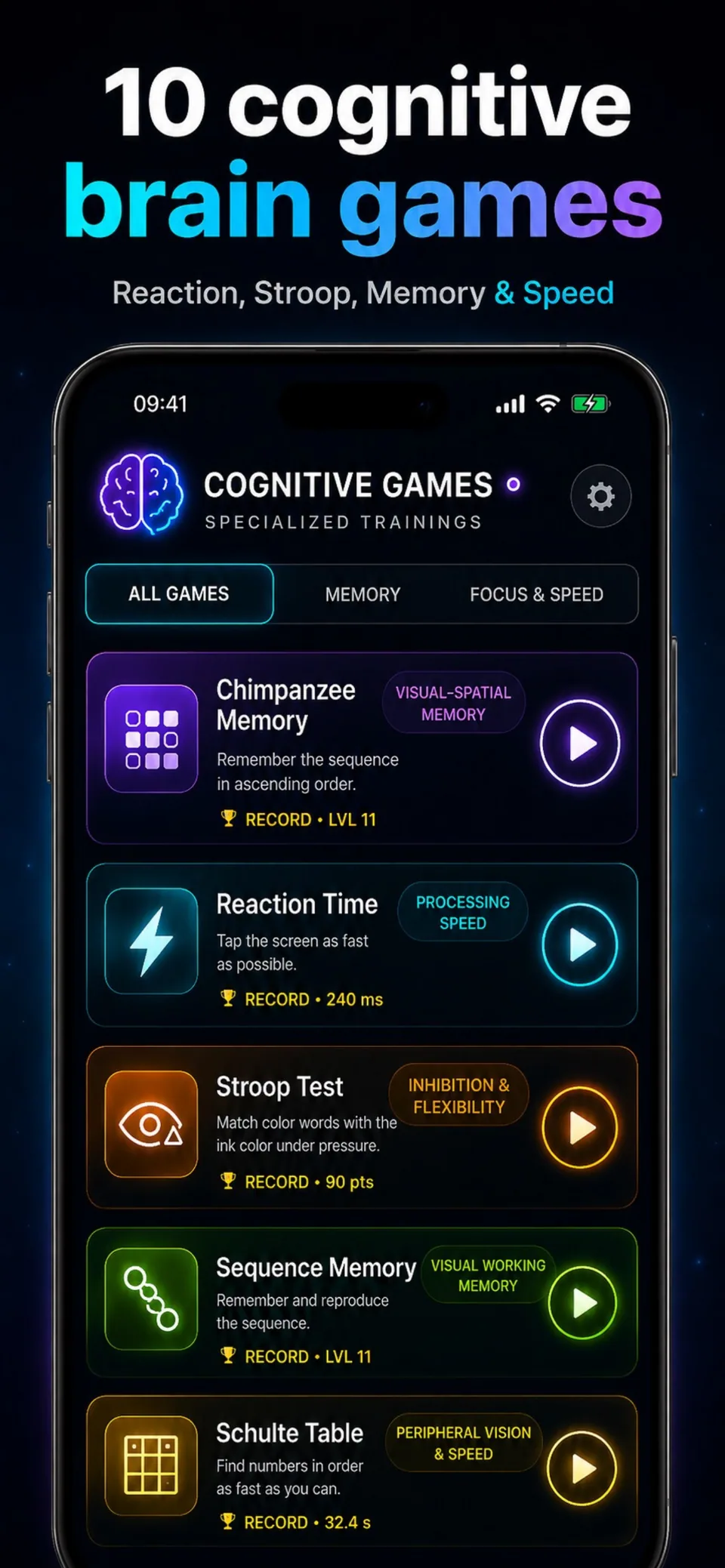
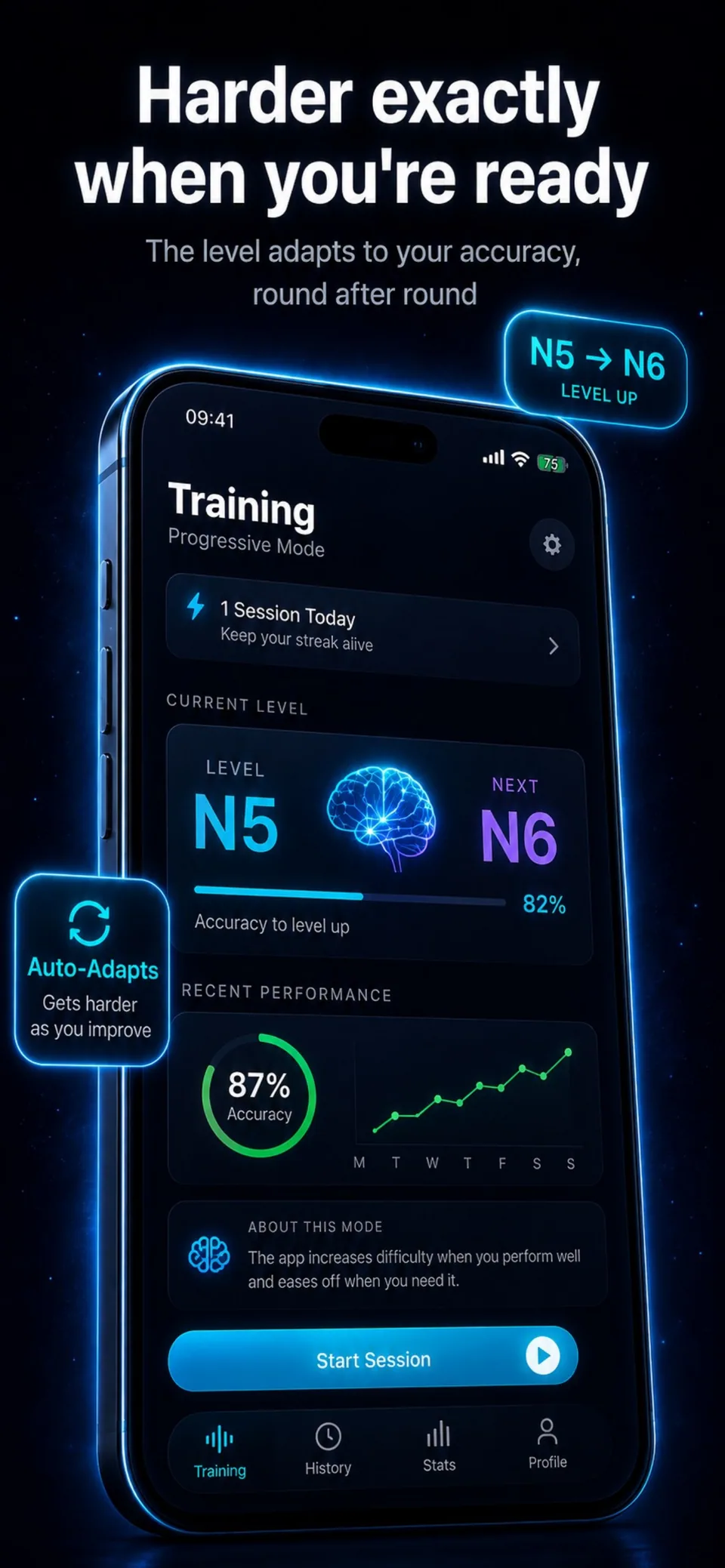
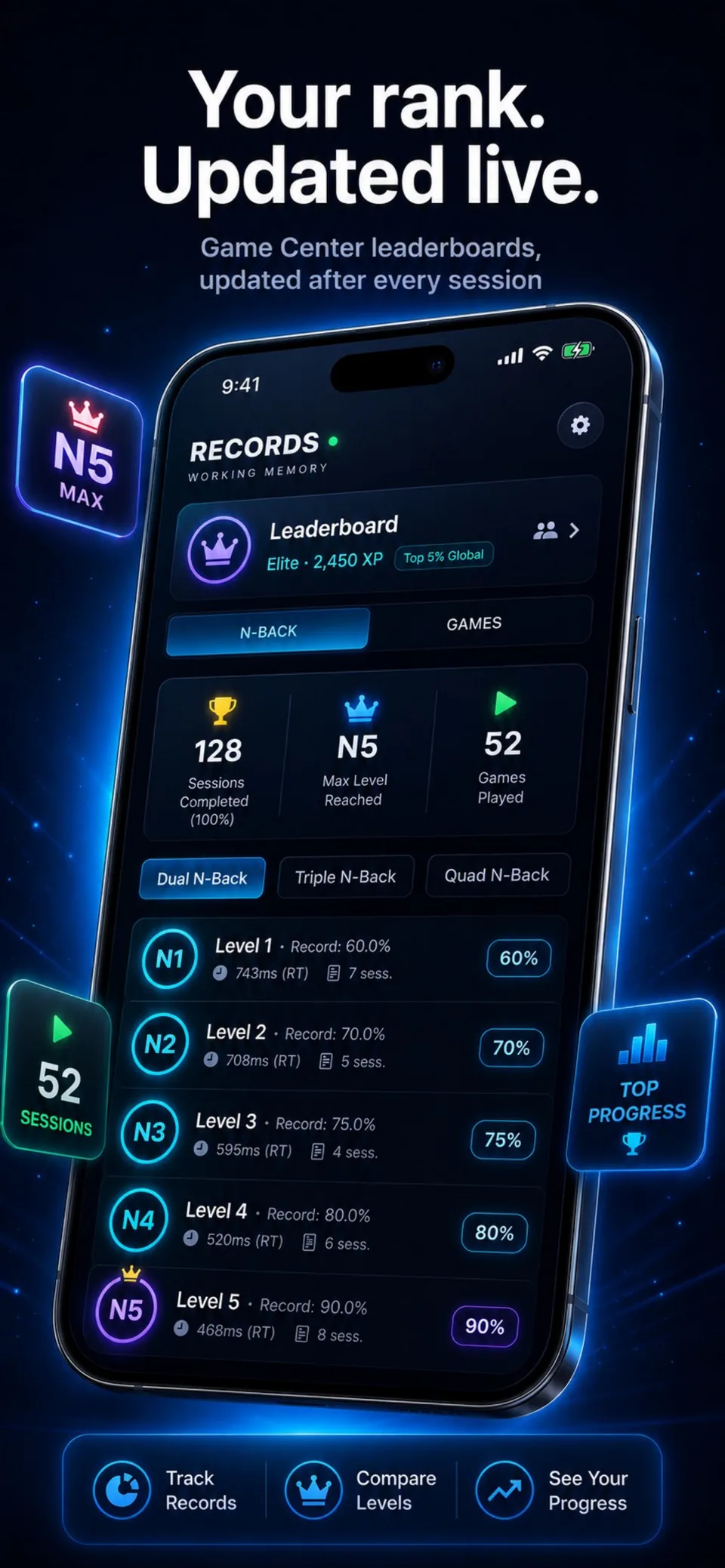
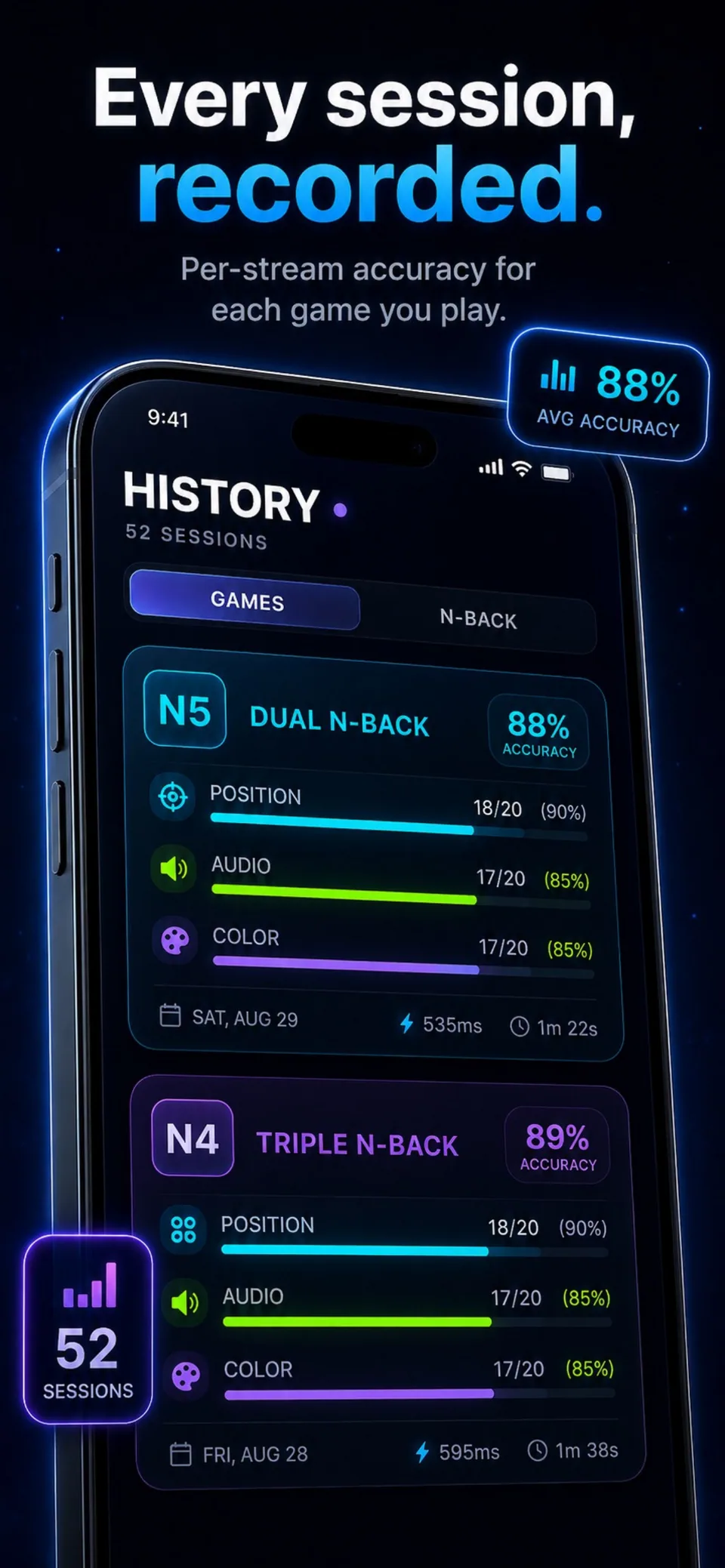
Illustrative screens. Features and appearance may vary by version.
Preview unavailable. Please try again.
What you can do
A position. A sound. A match to remember. Practise the dual n-back exercise on your iPhone and follow your accuracy as the challenge changes.
Watch a position on the grid and listen to a letter. Compare each with what appeared N turns earlier.
Begin with N=1, then explore higher levels and additional streams when you are ready for a different challenge.
Review your session results and practise short cognitive games, including reaction time, Stroop and visual memory.
Your scores describe performance on these tasks. The app does not measure IQ or promise an increase in intelligence.
Guides
Understand position matches, sound matches and the meaning of N before your first dual n-back session.
Learn the difference between responding to a signal and choosing a response when information conflicts.
Dual N-Back
Dual n-back is a working-memory task: compare a position and a sound with the ones presented N turns earlier. The two streams are evaluated separately.
Start with N=1 to learn the rhythm, then explore N=2 and higher levels. Session results help you understand your accuracy on the task, not your IQ.
The App Store and the app show the current price and available purchases in your local currency before confirmation. Trial availability depends on the offer and your eligibility. A free download does not mean every feature is free.
These are translated website pages. Check the Languages section of the App Store listing for the app itself. Some content may use a different language.
On iPhone, open Settings, tap your name, then Subscriptions. Select the app to review or cancel an active subscription. Deleting the app does not cancel a subscription.
Support
Include the app name, your iPhone model, iOS version and a description of the issue. Never include passwords or payment details.
Memory & attention
For iPhone · In-app purchases